All guides
Change your password
Choose a new password whenever you like. Forgot it? An admin resets it. · Everyone
Watch it
Step by step
Step 1: Open your account
Click your email at the top right of any page.
See the whole screen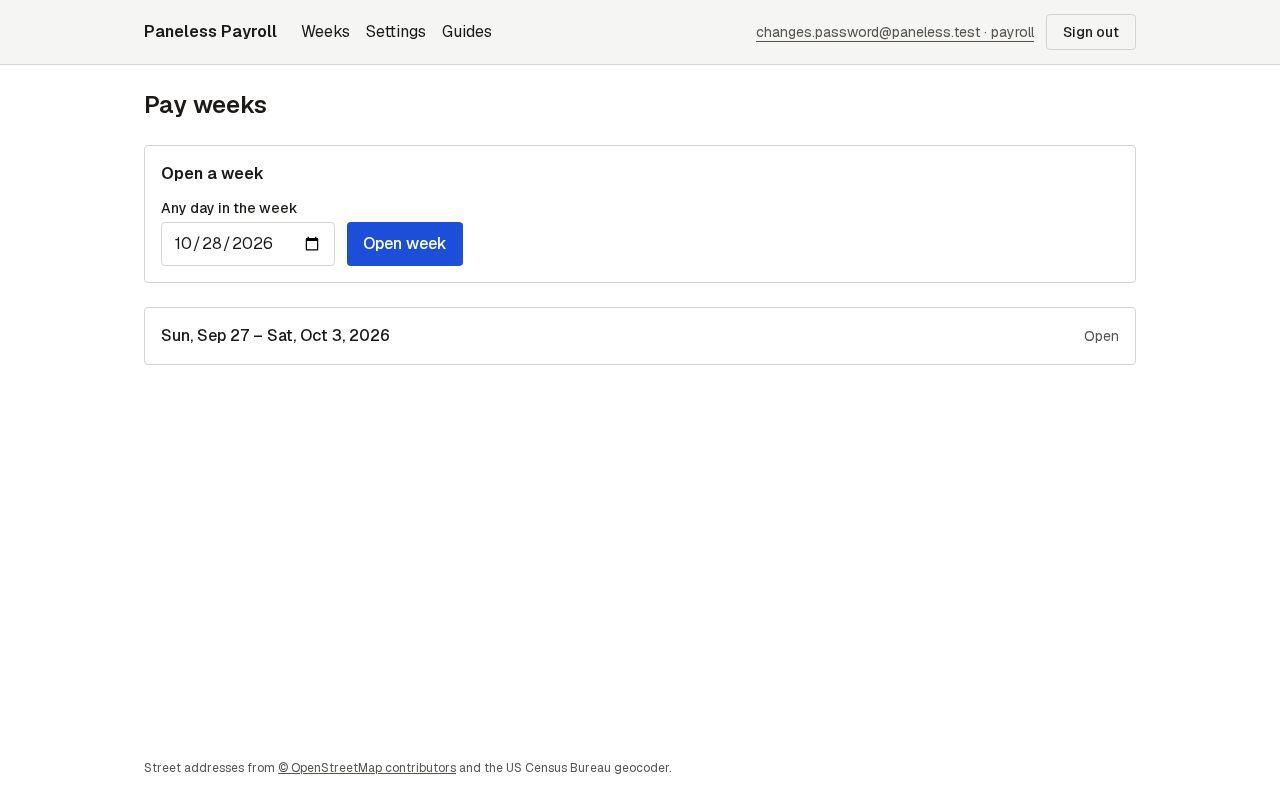
Step 2: Enter your current and new password
Type your current password, then the new one twice: at least 12 characters, with letters and numbers. Press Change password.
See the whole screen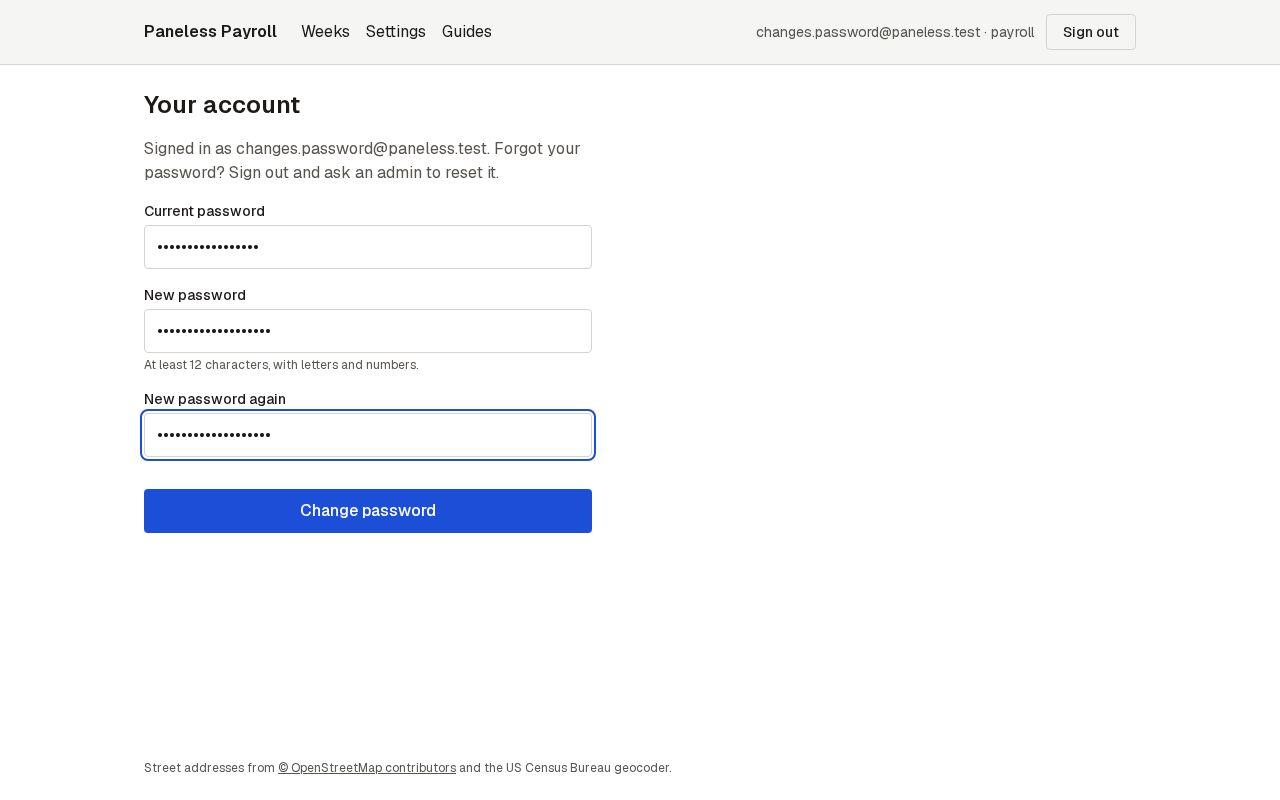
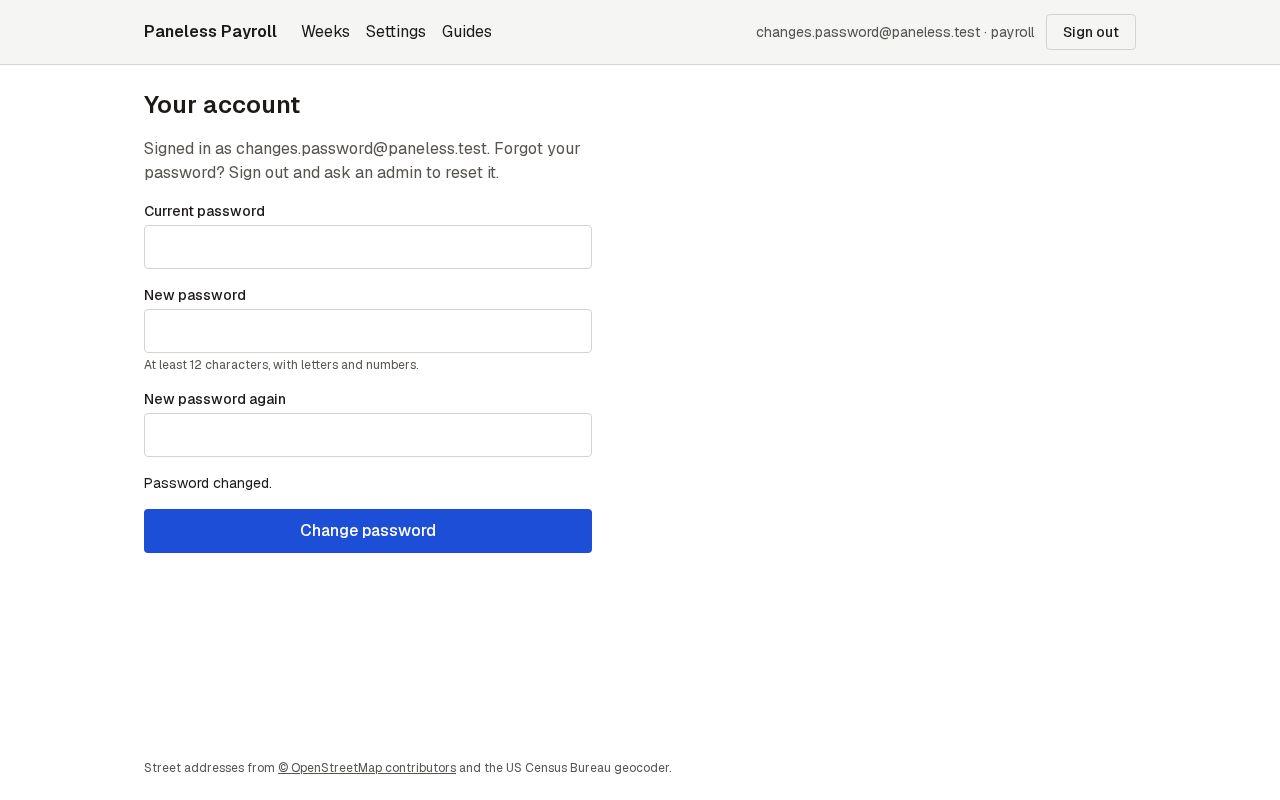
Step 3: That's it
You stay signed in. Use the new password next time. If you ever forget it, ask an admin to reset it; you'll get a temporary one.