Watch it
Step by step
Step 1: Open clock times
From the week, open step 3. Clock times go one person at a time, as on the punch cards.
See the whole screen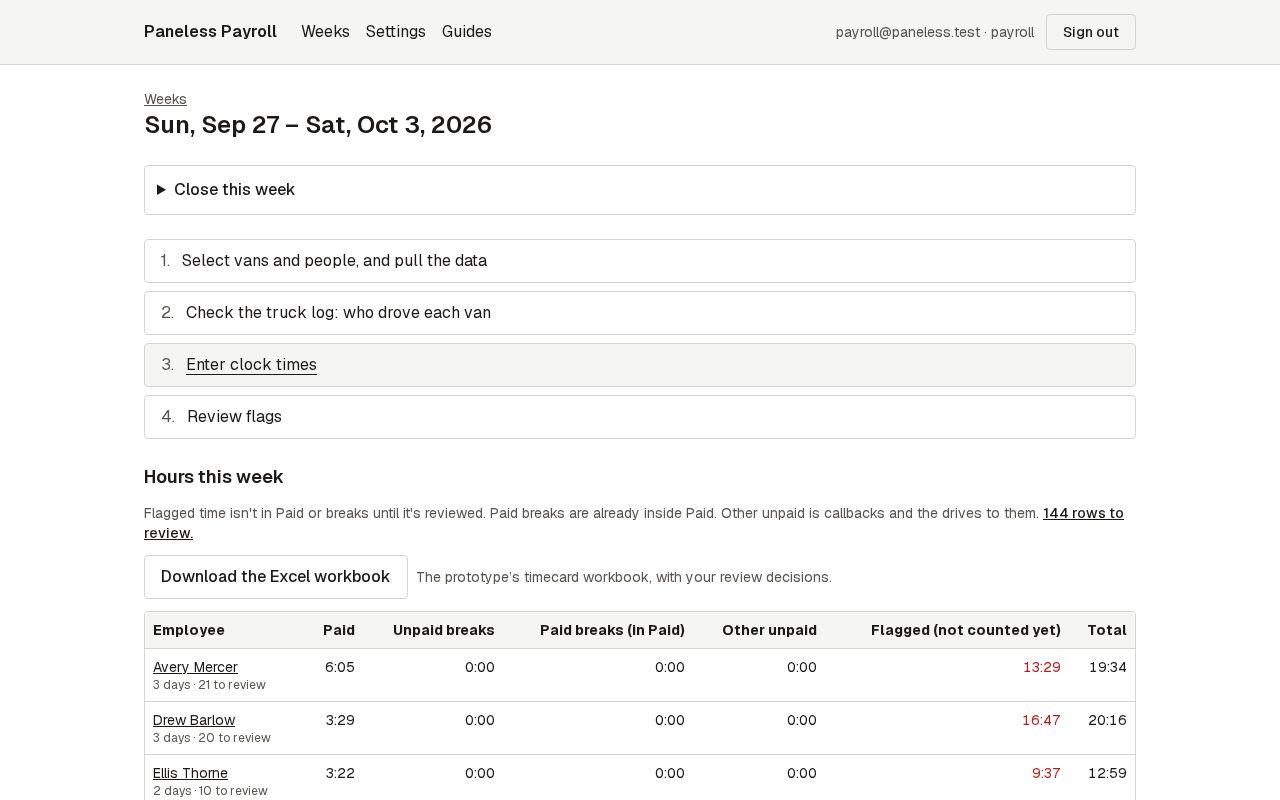
Step 2: Type the times as they come
Type each In and Out from the card: 726, 7:26 and 4:09p all work, and they're tidied when you leave the box. Use Add a pair for a lunch out and back. A blank day is a day off unless you mark it missed.
See the whole screen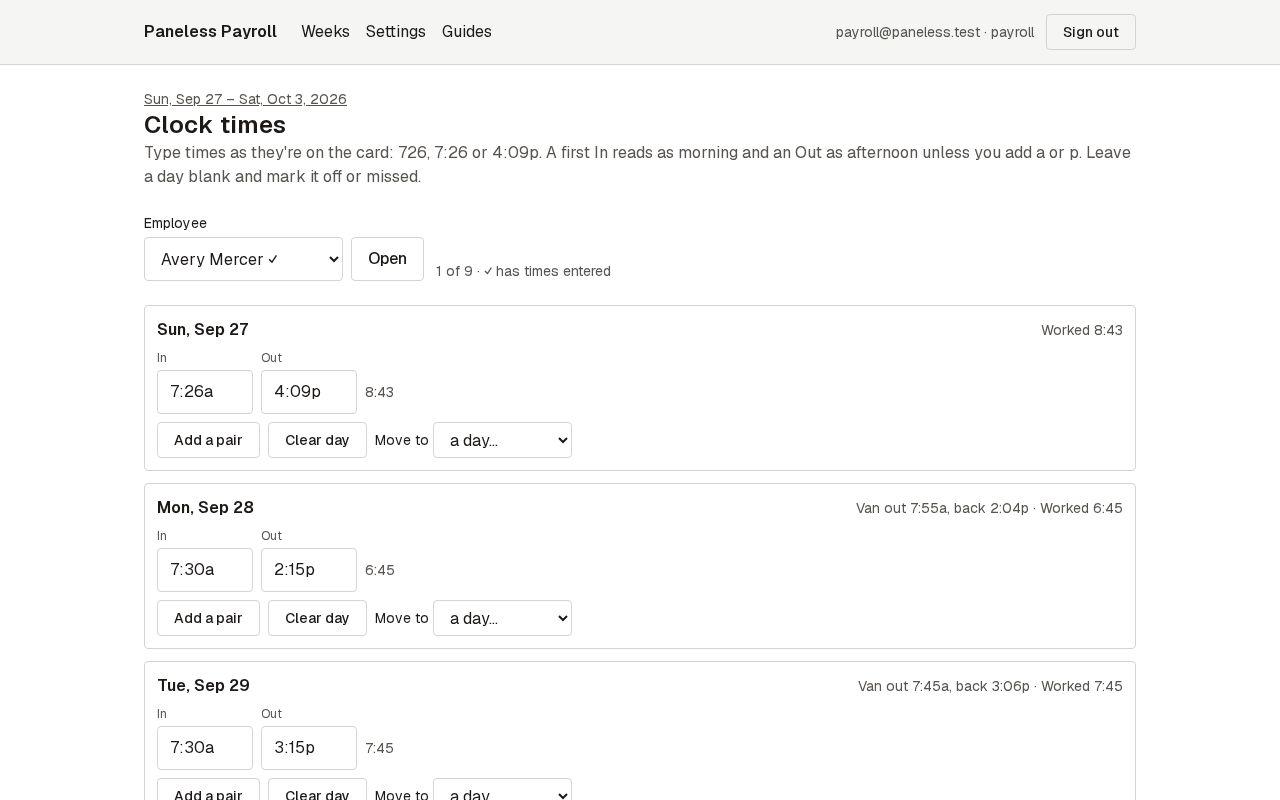
Step 3: Save, or save and go to the next person
Press Save, or Save and next person to move down the list. The app warns you before leaving with unsaved times.
See the whole screen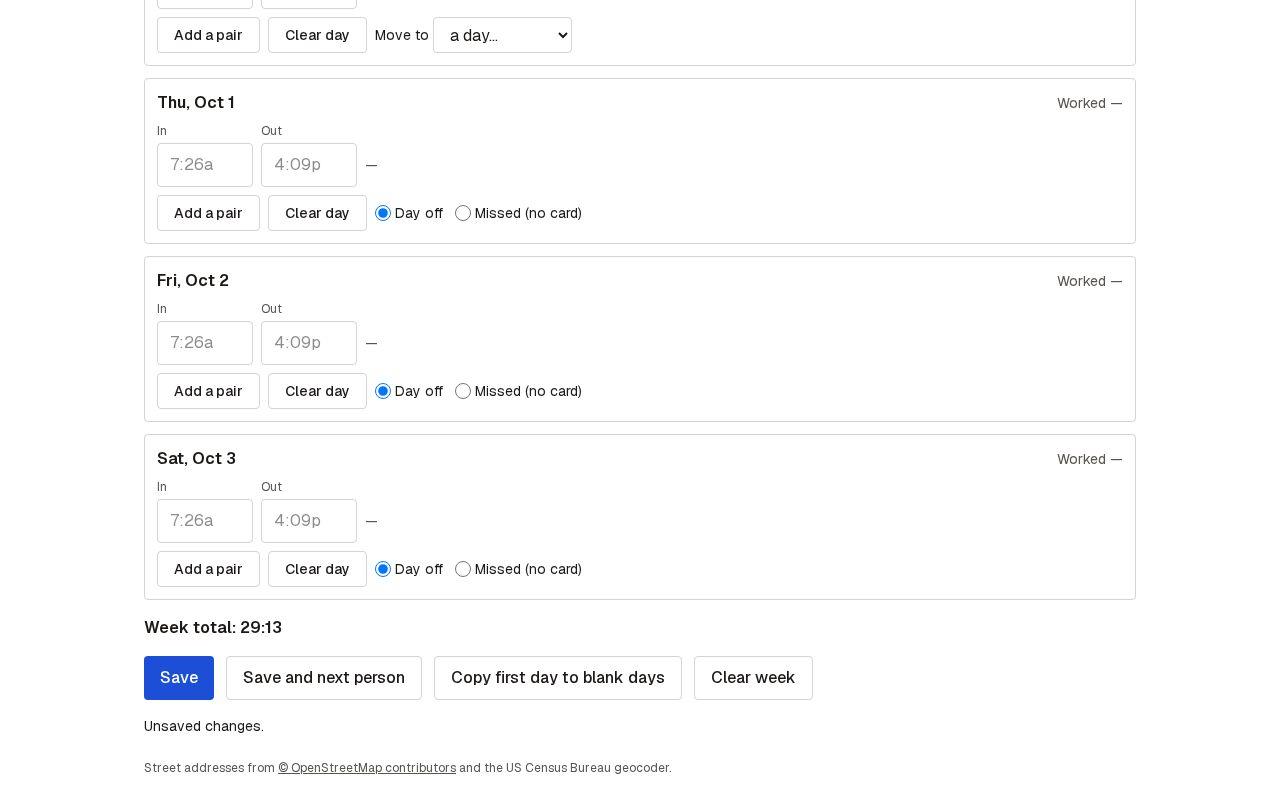
Next guide: Review flags