All guides
Review flags
Confirm or change each judgment call the matching couldn't make alone. · Payroll
Watch it
Step by step
Step 1: Open the review
From the week, open step 4. The count under Hours this week says how many rows are left.
See the whole screen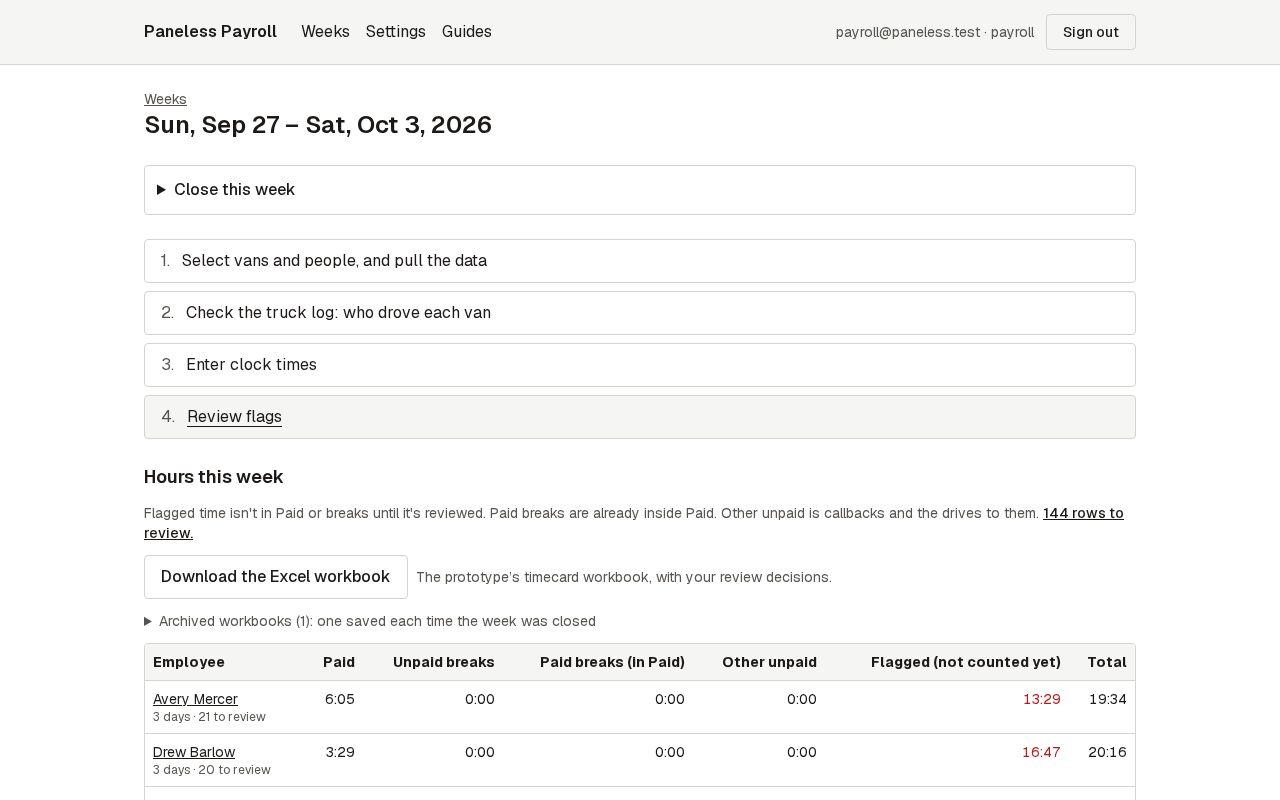
Step 2: Read the row
Each row is one stretch of someone's day: what the app thinks it was, whether it's paid, and why it's flagged. Show on map opens where the van was.
See the whole screen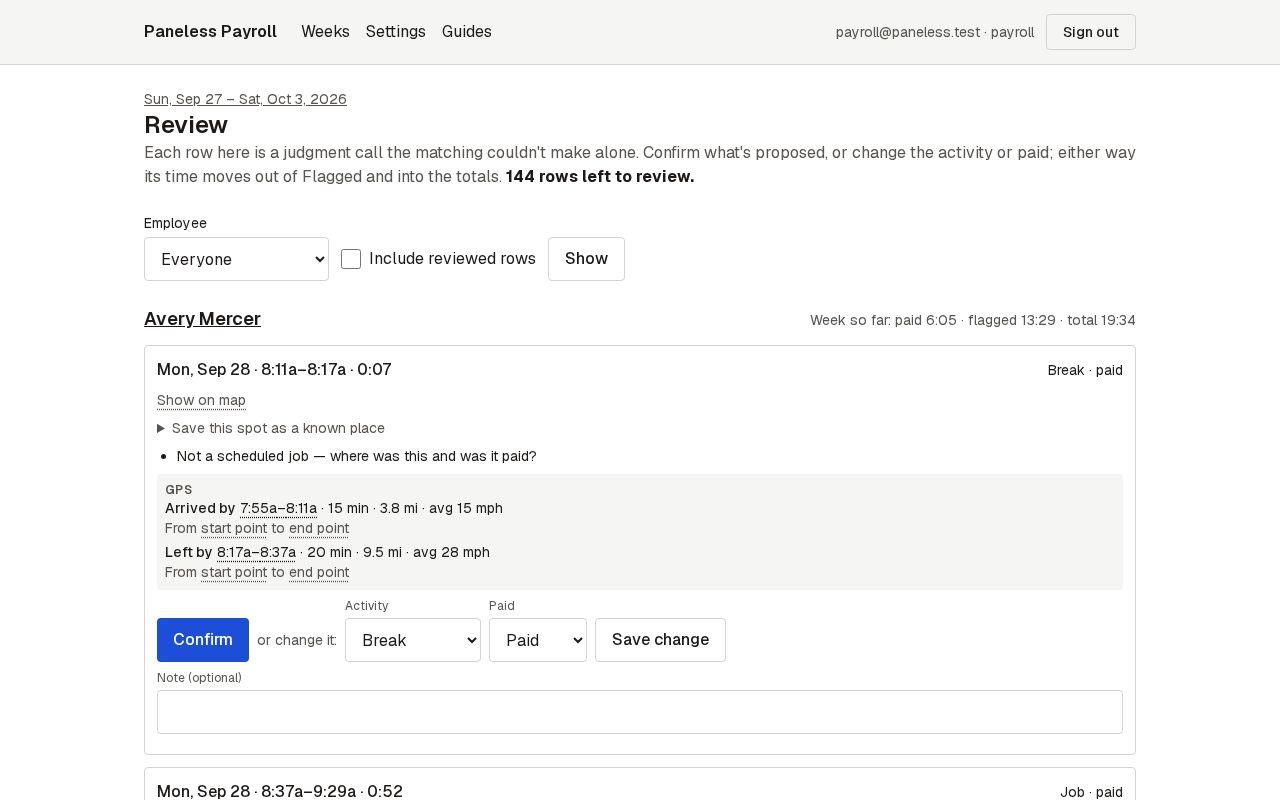
Step 3: Confirm, or change and save
If the proposal is right, press Confirm. If not, choose the right activity and whether it's paid, then Save change. Either way it leaves the queue and the totals update.
See the whole screen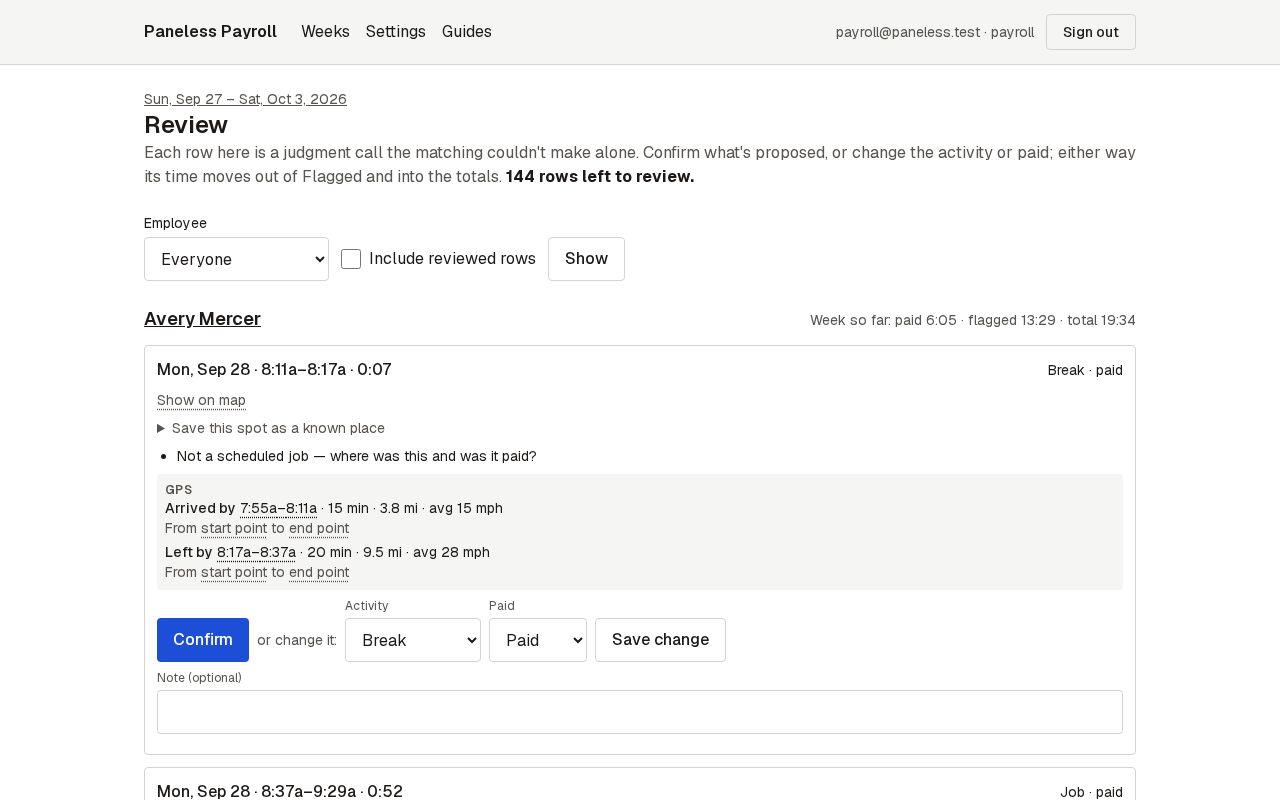
Next guide: Download the workbook and close the week