All guides
Your first sign-in
Sign in with the temporary password you were given, then choose your own. · Everyone
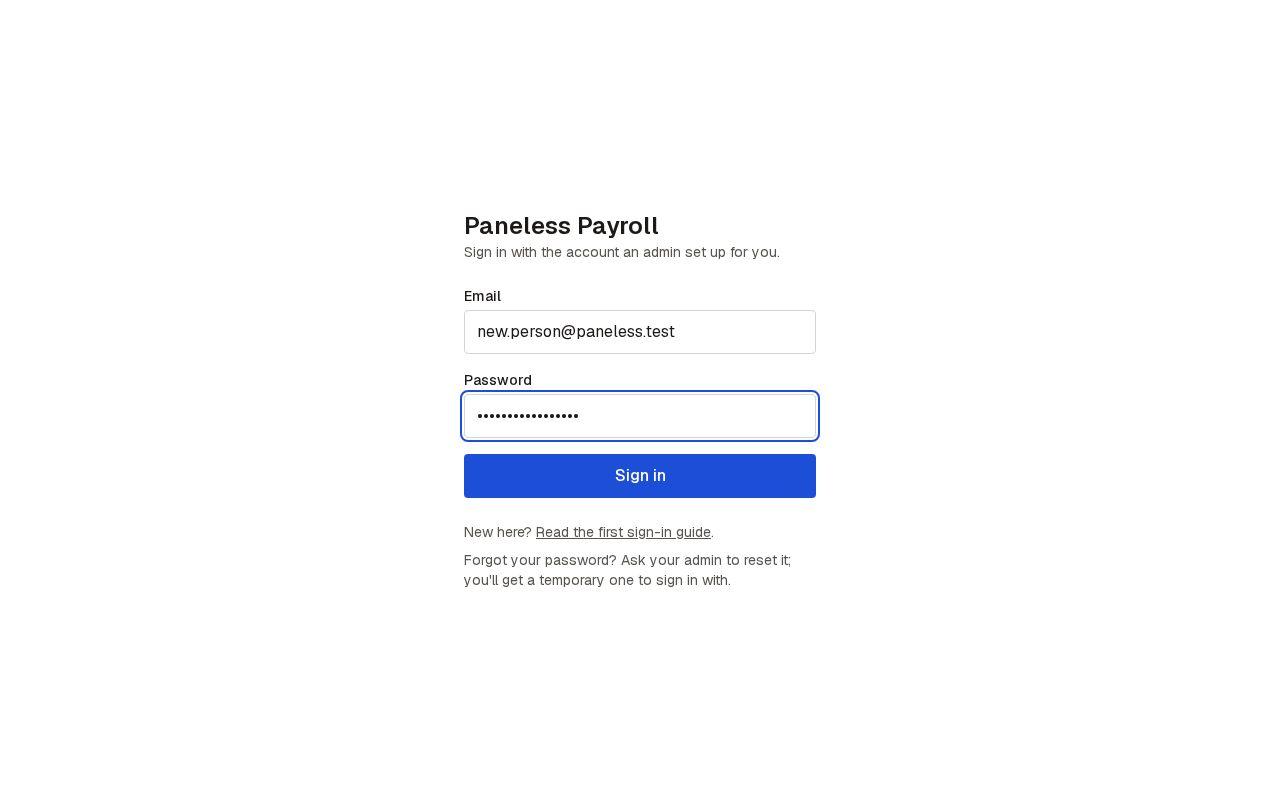
1. Sign in with your temporary password
Go to paneless-payroll.enovara.dev. Enter your email and the temporary password you were given, then press Sign in.
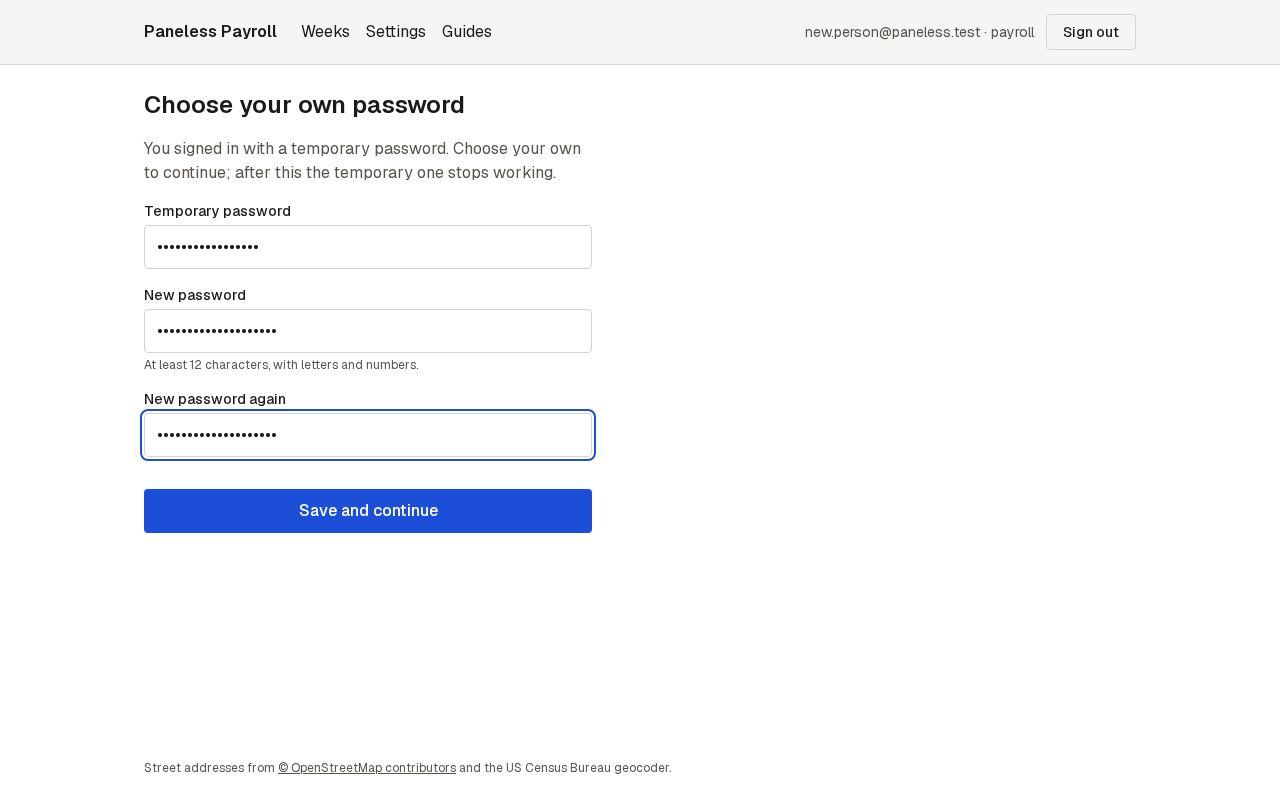
2. Choose your own password
The app asks for your own password before anything else. Type the temporary password once more, then your new one twice: at least 12 characters, with letters and numbers. Press Save and continue.
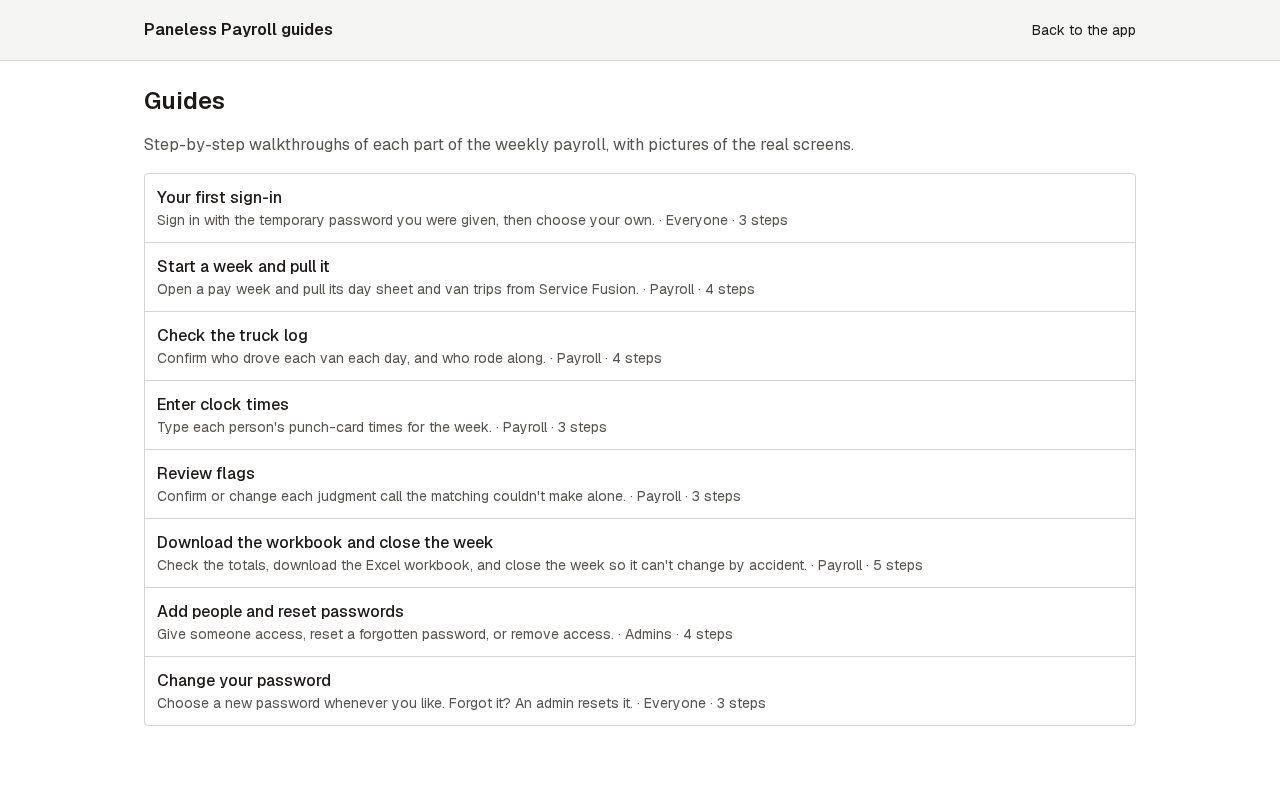
3. Start with the guides
You land on the guides, one for each part of the week. Back to the app takes you to the pay weeks; the Guides link in the menu brings you back here any time.
Next guide: Start a week and pull it